

 Preview coming soon
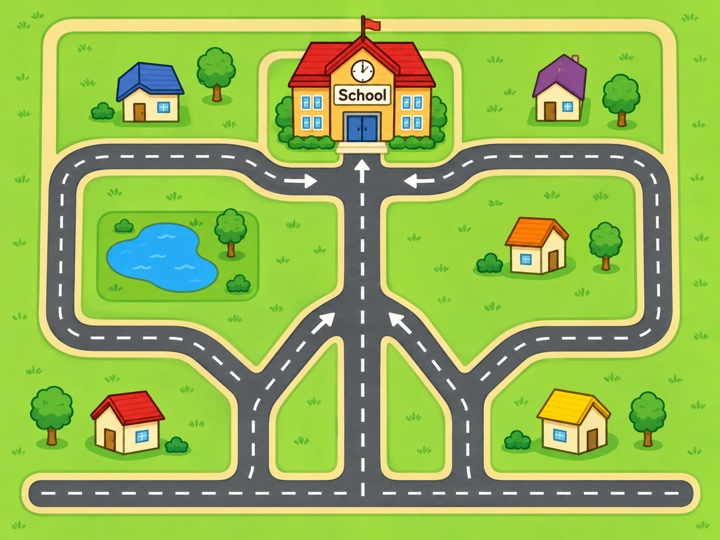
Follow the steps
Give a robot step-by-step directions to reach the school, and learn that order matters.
Discover how our K–3 computer science digital instruction connects assessment insights to engaging, research-based lessons, so every child learns to code, think and create at just the right level.
MineSTEM Personalised Instruction turns assessment insights into a learning path that changes with each child in Grades K–3. Personalised online lessons, teacher-assigned lessons and hands-on activities work together to build the foundations of computer science, helping every child move confidently toward grade-level mastery of the 2026 K–12 Computer Science Standards.
Personalised Instruction is in development. Talk to us about early access for your school.
MineSTEM delivers personalised lessons driven by what each child showed on the MineSTEM Diagnostic and on every lesson’s exit ticket. Every child gets targeted instruction in their zone of proximal development, and teachers keep the flexibility to line learning up with what the class is studying this week.
See how it works →Every lesson is built on research-based teaching for young learners: unplugged activities first, then hands-on coding, short lessons with a clear goal, practice spaced over time, and feedback that says what to try next. Clear reports help teachers monitor progress and speed up growth.
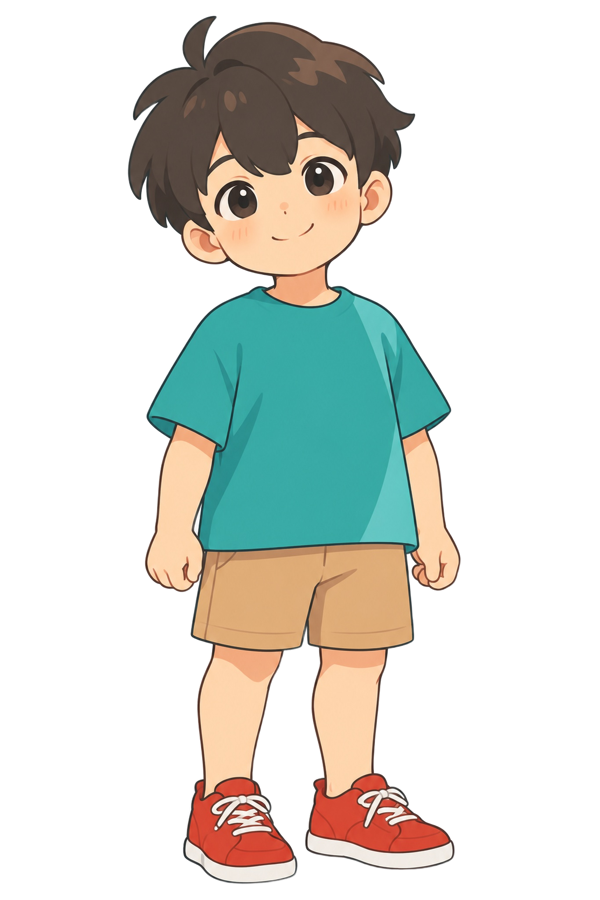
Ask about the research →Children stay motivated with lessons made for ages 5 to 9: picture-based puzzles, robots to program, every word read aloud, and answers by tap and drag. Mia, Max and their robot friend Chip model how to think through a problem and cheer children on, and points and badges celebrate every step.
See the student experience →Because every lesson ends with a check for understanding, growth is measured all year, not once a term. Teachers, schools and districts see each child move from Trying to Mastered, standard by standard.
See growth mindset grading →Target each child’s exact needs with assessment-driven lessons that adapt as they go and guide every learner along a focused path.
Deepen understanding and reinforce key skills with lessons teachers assign to the whole class, a group or one child, based on what they are teaching. (Grades K–3)
Clear reports make tracking progress easy for each child, class, school and district, standard by standard and lesson by lesson.
Every online lesson links to its lesson in MineSTEM Classroom Computer Science, with unplugged activities to take the learning off the screen and into the classroom.
Families see their child’s progress and badges in the MineSTEM family app, with ideas to keep practising at home.
Lesson previews are on their way. Here is what each grade explores.
Preview coming soonGive a robot step-by-step directions to reach the school, and learn that order matters.
 Preview coming soon
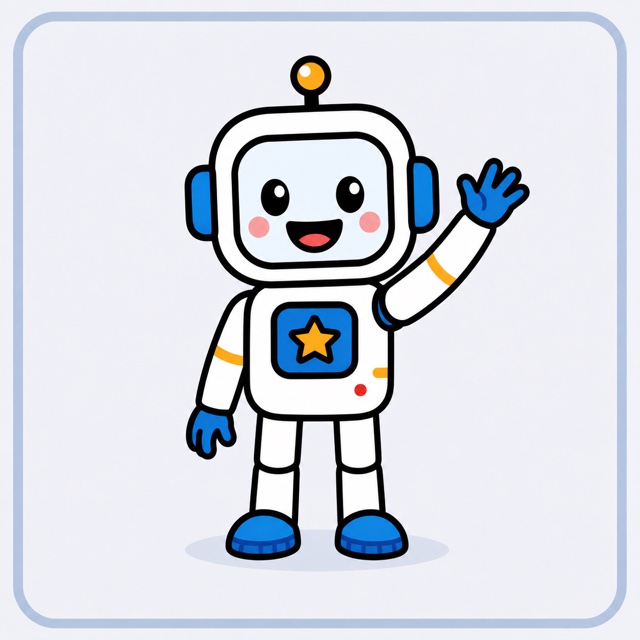
Spot the pattern in a dance and use a loop instead of repeating the same steps.
 Preview coming soon
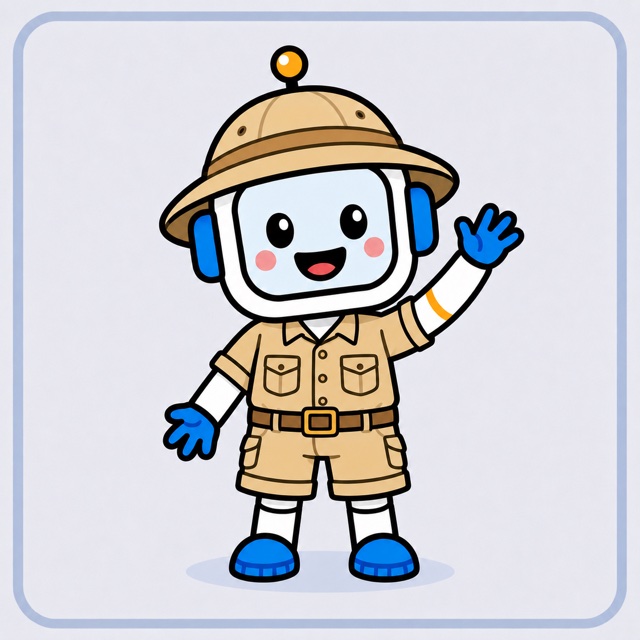
Program events and conditions: when the robot sees rain, it opens the umbrella.
 Preview coming soon
Test a program, find the step that went wrong and debug it like a real engineer.
It builds a lesson path for each child from the MineSTEM Computer Science Diagnostic and the exit ticket at the end of every lesson. Within each lesson, hints, read-aloud and extra examples give just-right support, and children who show mastery move ahead. Every child gets what they need, right when they need it.
The lessons follow the 2026 K–12 Computer Science Standards from the Computer Science Teachers Association (CSTA) and well-established ideas about how young children learn: the zone of proximal development, mastery learning, unplugged activities before screens, practice spaced over time, and growth mindset feedback. We will share results as classrooms start using it.
It reinforces core classroom learning, stretches children who are ready for more, and gives targeted, more intensive practice to children who need extra support, so it works for Tier 1, 2 and 3 within an MTSS or RTI framework. Every lesson is age-appropriate and keeps the right level of challenge for each learner.
It takes the guesswork out of personalised learning by assigning lessons automatically based on each child’s needs and making progress easy to follow. Teachers get clear reports on usage and performance, and can still assign lessons to a group or a child to support what they teach. No computer science background needed.
It launches in English, with every word read aloud so children who are still learning to read, or learning English, can take part. Tell us if your school needs another language; it helps us decide what comes next.
Lessons are short, colourful and hands-on: puzzles, robots to program and games, with picture answers and read-aloud. Mia, Max and their robot friend Chip model how to think through a problem, and points, streaks and badges celebrate progress.
Personalised Instruction is powered by the same assessments: the MineSTEM Computer Science Diagnostic places each child on their path, and the exit tickets in MineSTEM Assessment keep it up to date. That connection is what lets assessment insights turn straight into the right lesson.
It is designed to sit alongside MineSTEM Classroom Computer Science. The teacher teaches the whole-class lesson from the book, and Personalised Instruction gives each child practice and support at their own level on the same ideas.
Most coding apps are a set of puzzles. MineSTEM is built from the ground up to connect assessment, instruction, the classroom curriculum and reporting in one system, so personalisation is based on what each child actually knows, not just on which puzzle they reached.
Personalised Instruction is coming soon. Tell us about your school and we’ll keep you posted on early access.