MineSTEM
Curriculum · Core

MineSTEM Classroom Computer Science

A comprehensive computer science program for Grades K–3
Overview

Creating computer science success for every child.

Help every child become a confident, creative computational thinker, and make computer science something every elementary teacher can teach. This comprehensive core program gives children a full year of computer science in every grade, with lessons that let them take ownership of their learning, make big ideas concrete with robots, patterns and everyday routines, keep them engaged, and build confidence step by step.

Every grade has a printed Teacher’s Guide and Student Workbook, and the same lessons live on the MineSTEM platform on the web, iOS and Android, where teachers assign, grade and keep families in the loop.
Program type
Instruction, Assessment
Curriculum type
Core
Subject
Computer Science
Grades
K–3
Language
English
Format
Print, Digital
Standards
2026 CSTA K–12 Computer Science Standards
Program features

Everything a teacher needs to teach computer science well.

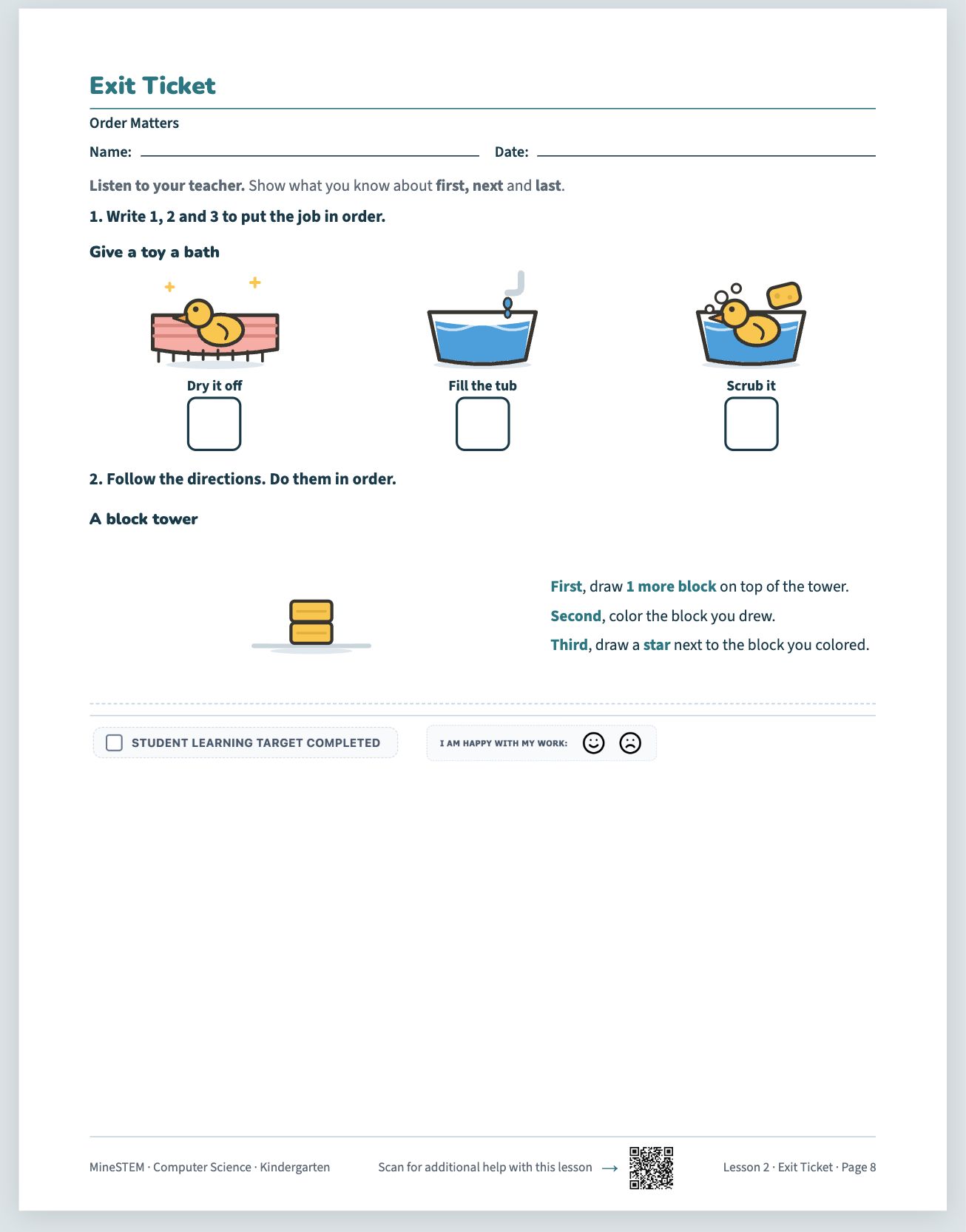
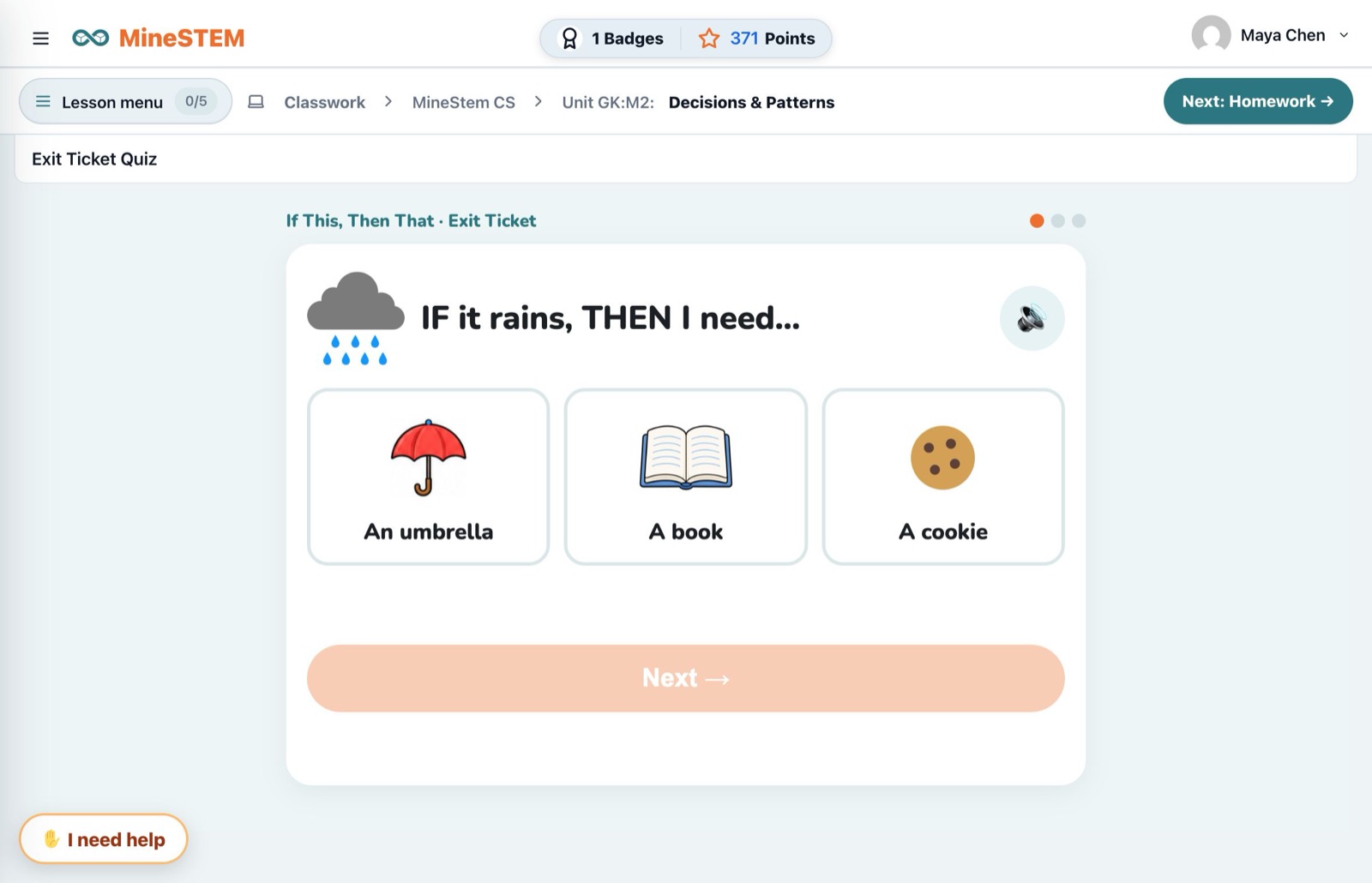
  • Assess student understandingAn exit ticket for every lesson in every grade, in the workbook and as a quick quiz on screen that scores itself.
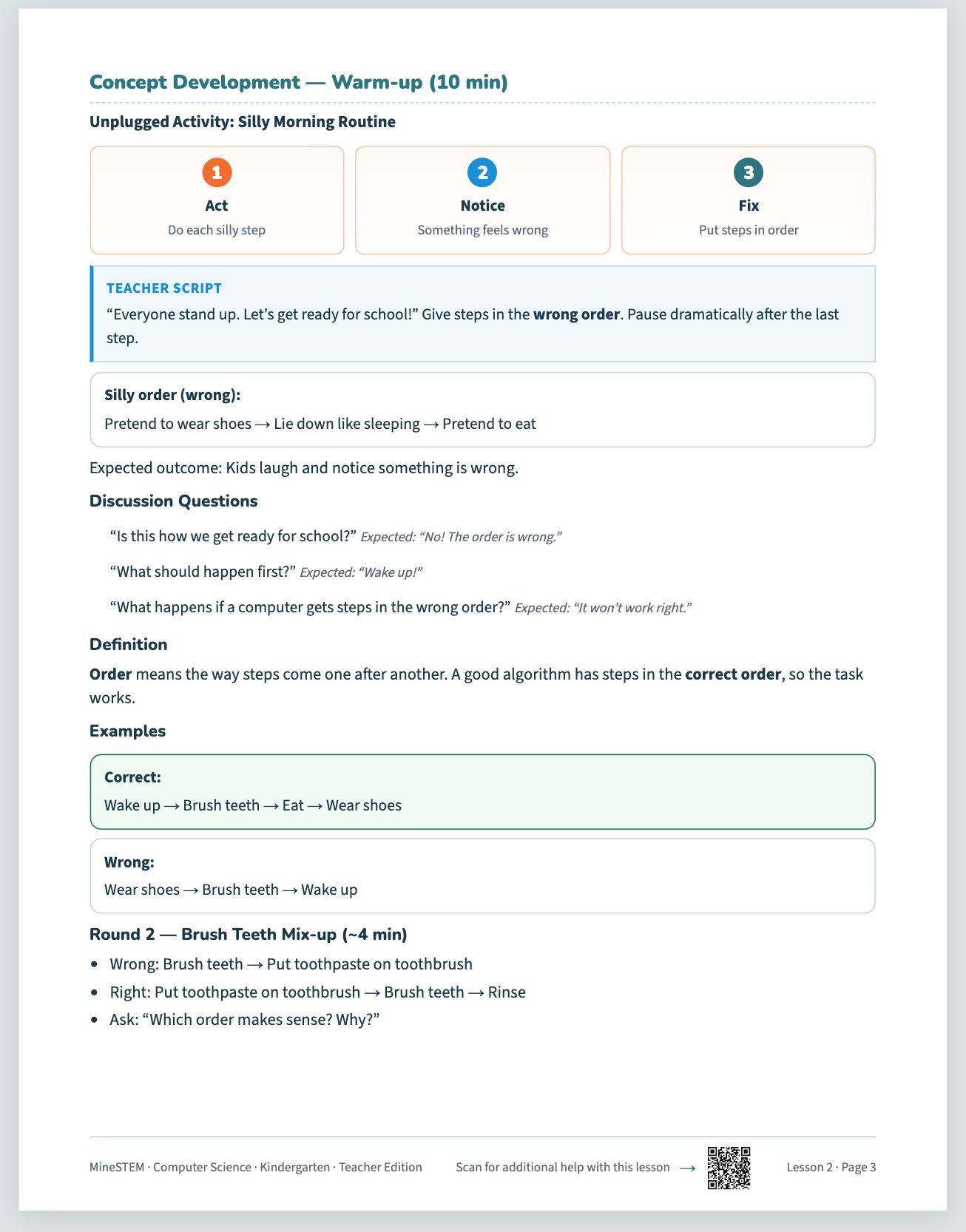
  • Build computational thinkingEvery lesson opens with a Concept Development warm-up: children act out an idea, notice what goes wrong and fix it, so sequencing, patterns and logic make sense before any screen appears.
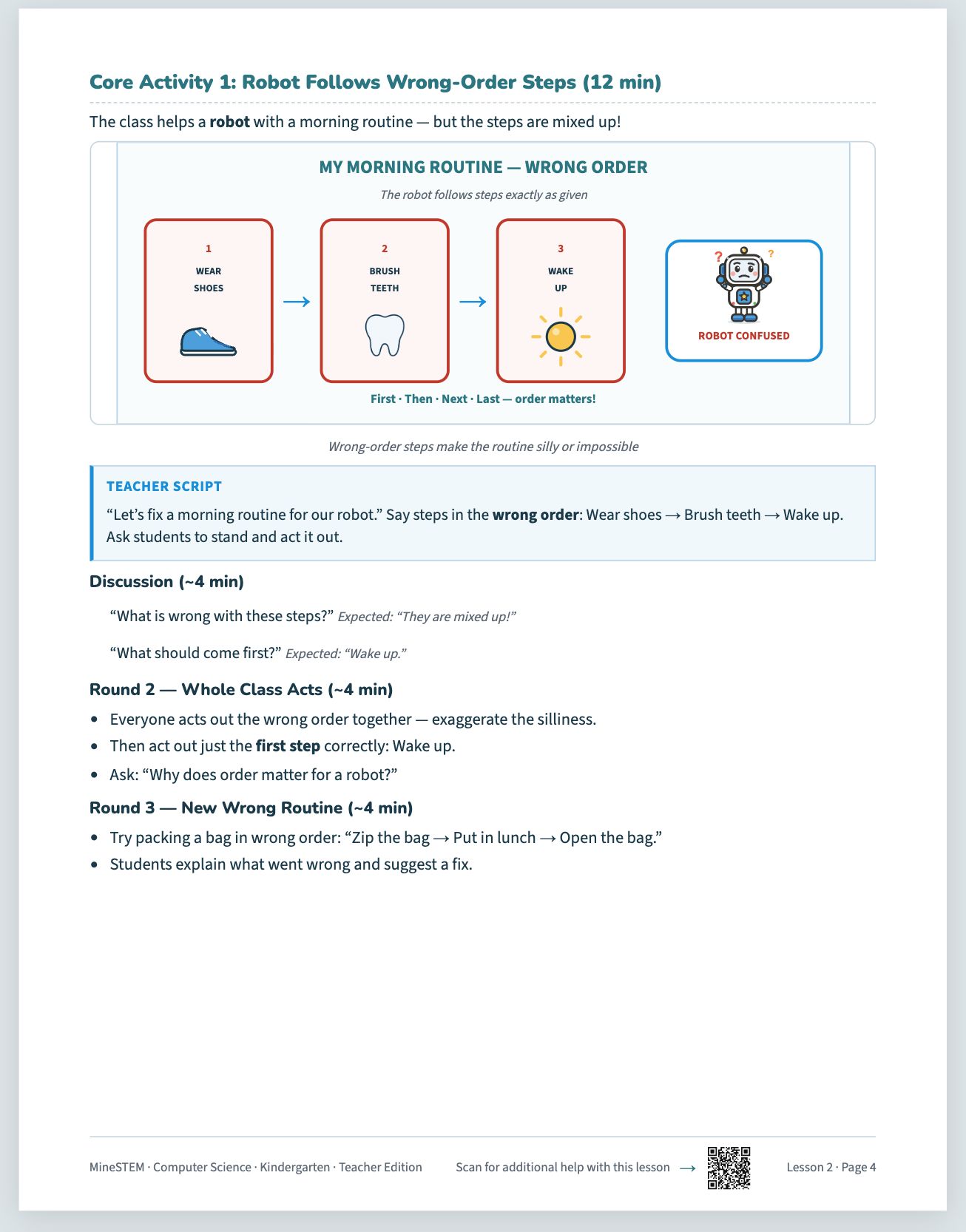
  • Hands-on, unplugged learningCore Activities let children program a robot classmate, follow and fix routines, and build patterns with their hands, then move on to more abstract challenges.
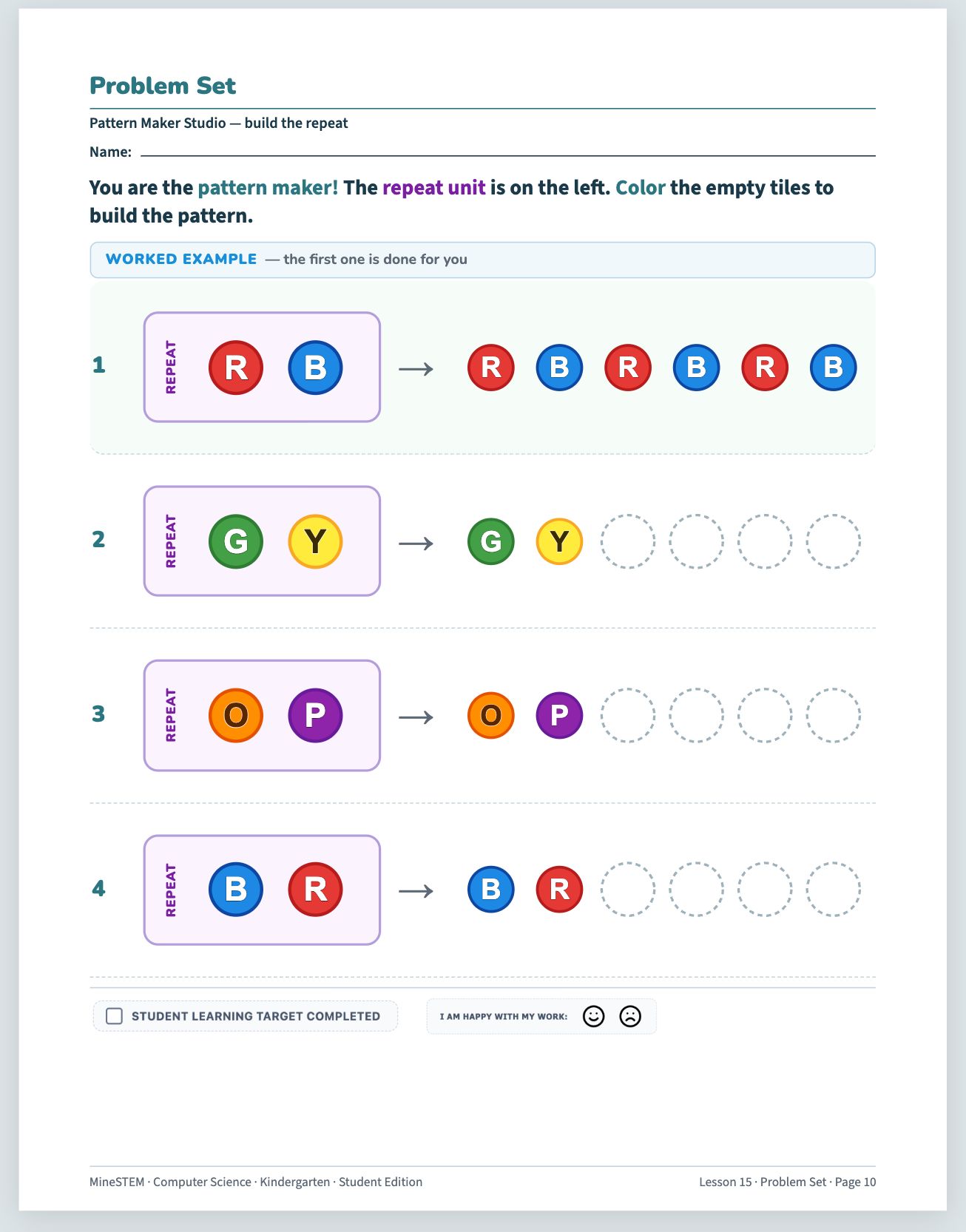
  • Practice that sticksA problem set in class and homework to share with a grown-up give every child repeated, varied practice on each idea.
Assess student understanding: a page from the book
Build computational thinking: a page from the book
Hands-on, unplugged learning: a page from the book
Practice that sticks: a page from the book
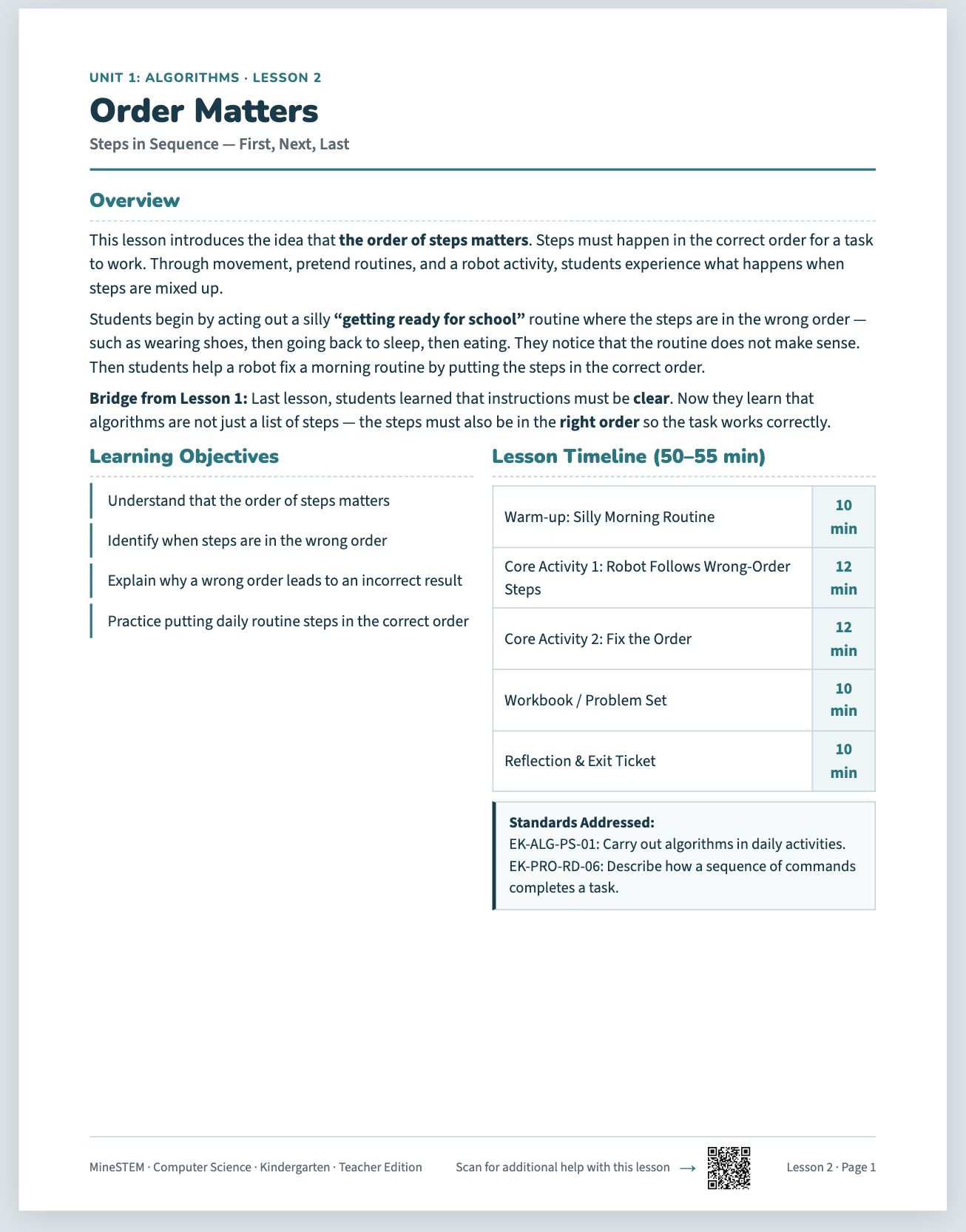
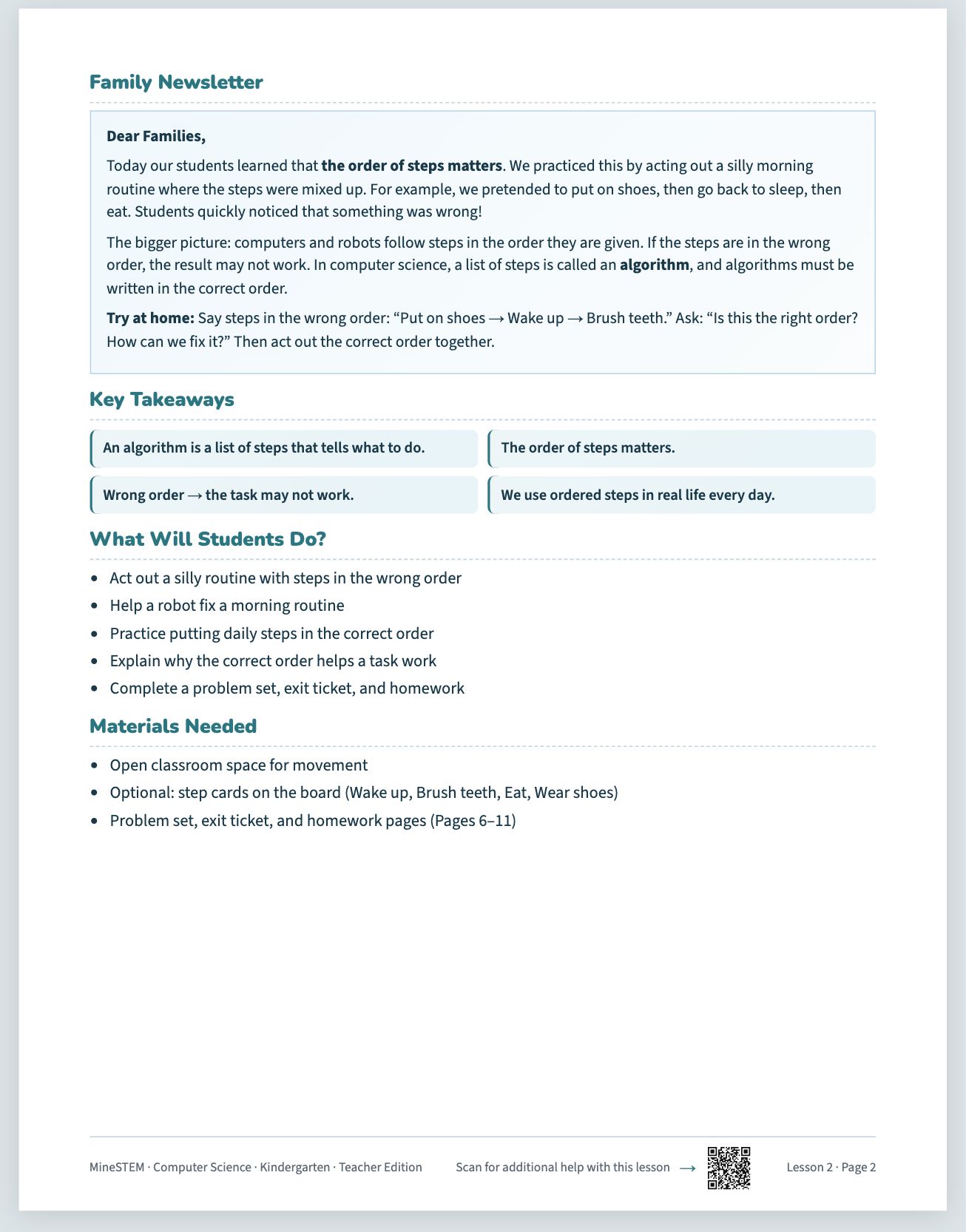
  • The same seven-part lesson, every timeOverview, Concept Development, Core Activities, Family Newsletter, Problem Set, Exit Ticket and Homework. A research-based structure that gives children time to understand, practise and apply each idea, and tells teachers exactly what comes next.
  • Reach every studentPicture answers and read-aloud for children still learning to read, card login for the youngest, teacher-made groups, lessons assigned to a group or one child, and an “I need help” button that reaches the teacher straight away.
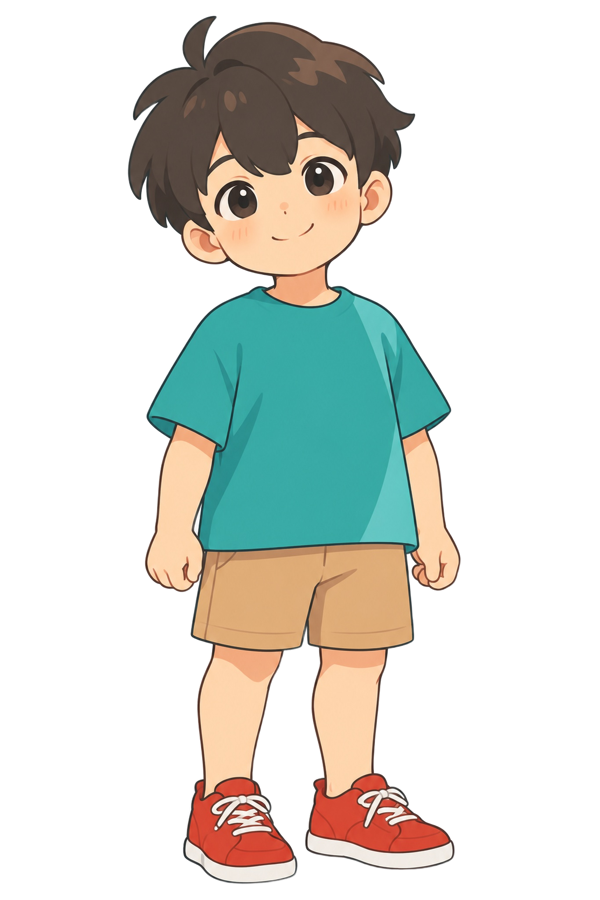
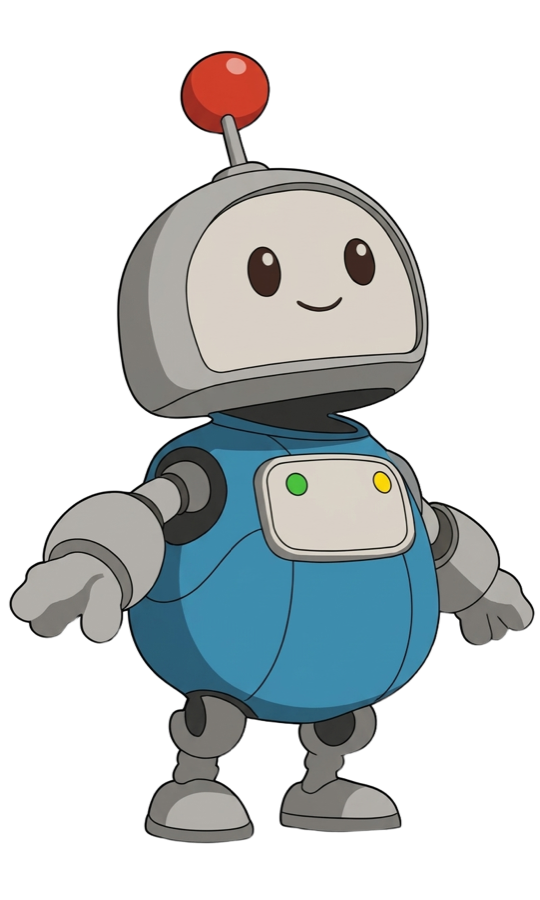
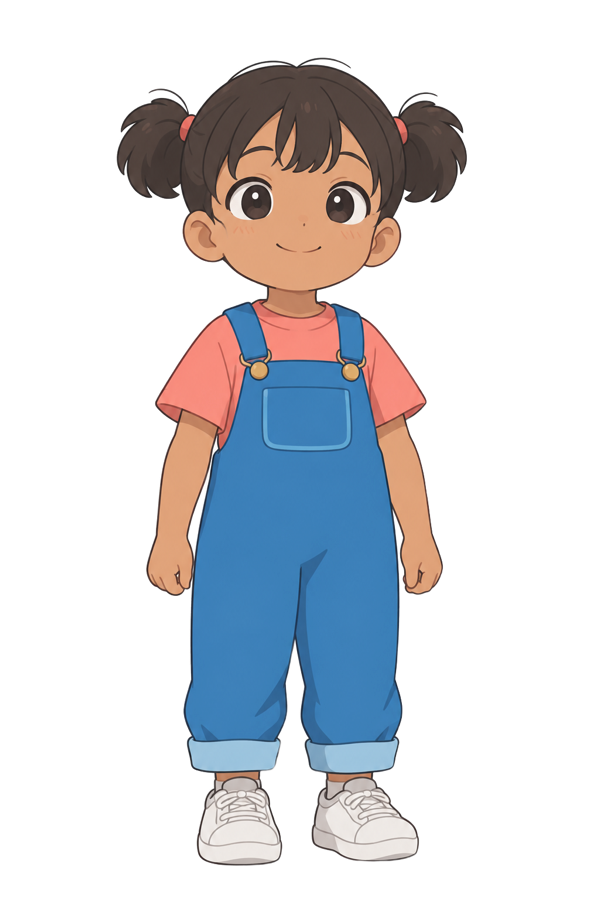
  • Characters children grow up withMia, Max and their robot friend Chip walk through every lesson in the books and on the platform, so a five-year-old always knows who is talking.
The same seven-part lesson, every time: a page from the book
Reach every student
MaxChip the robotMiaLet’s try it one step at a time!
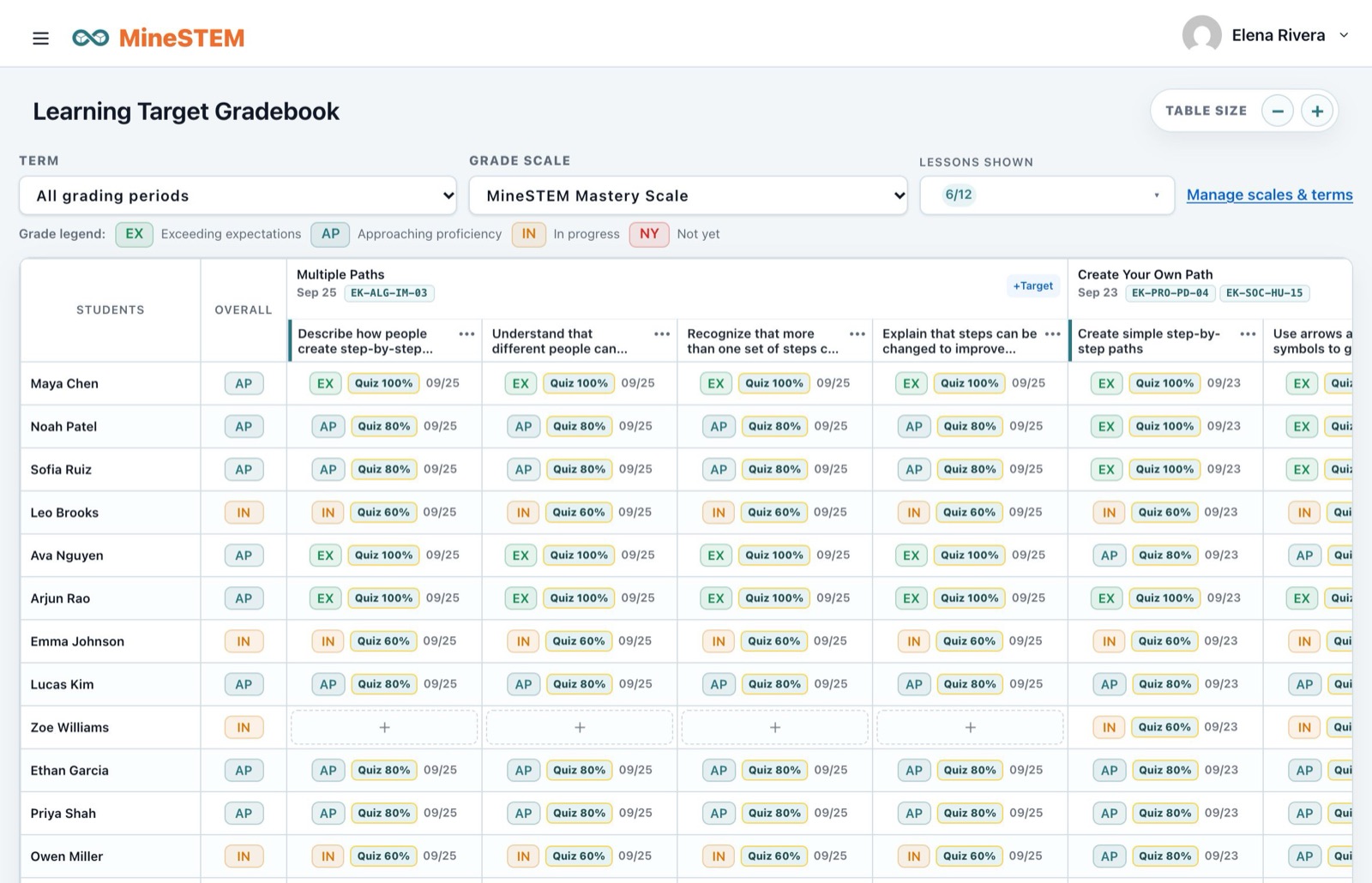
  • A gradebook built on learning targetsExit tickets fill in a learning-target gradebook automatically, and teachers can adjust any grade or add their own evidence.
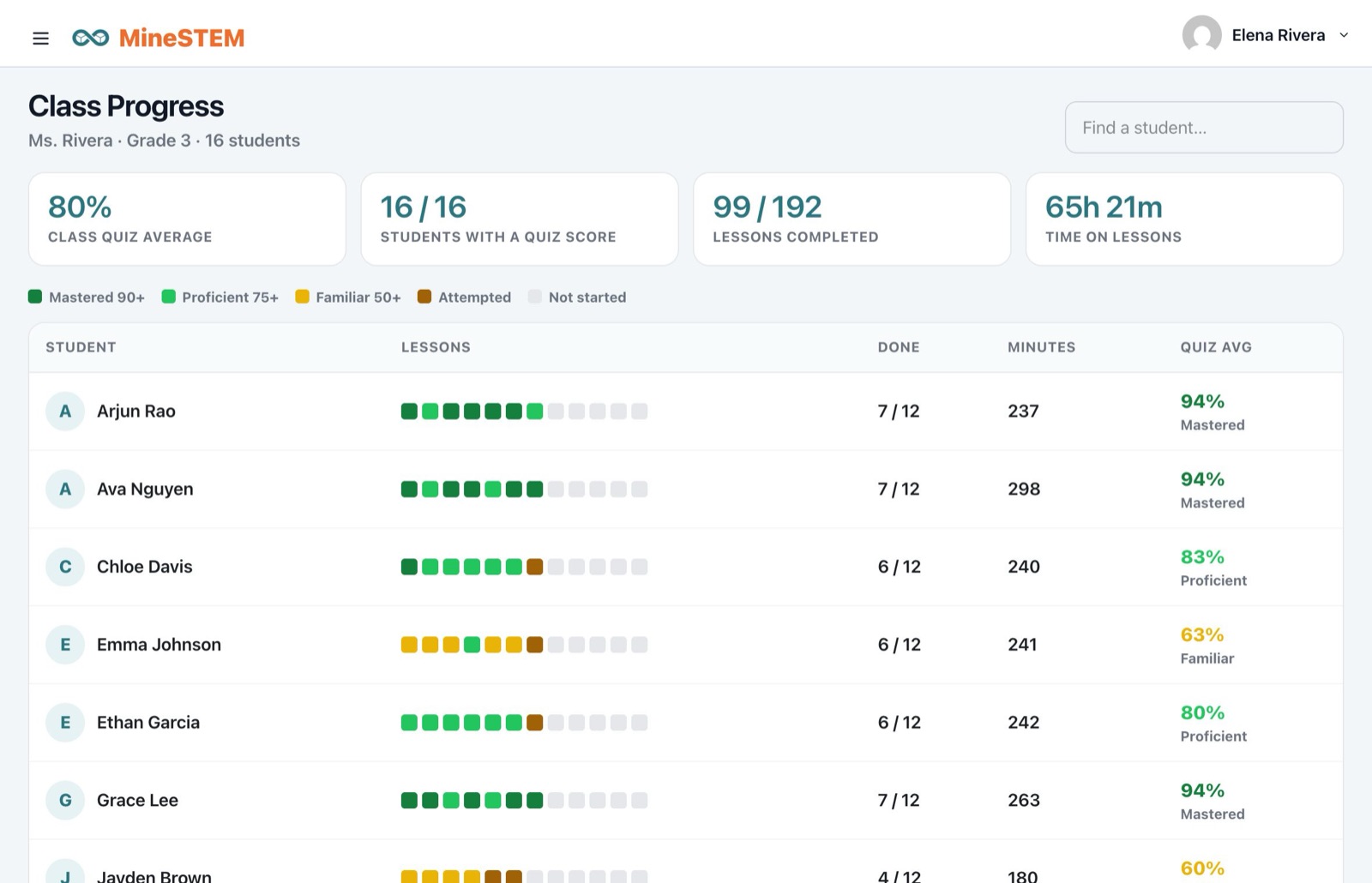
  • See every child at a glanceClass Progress shows every child and every lesson by level, with clear next steps: reteach, small group or move ahead.
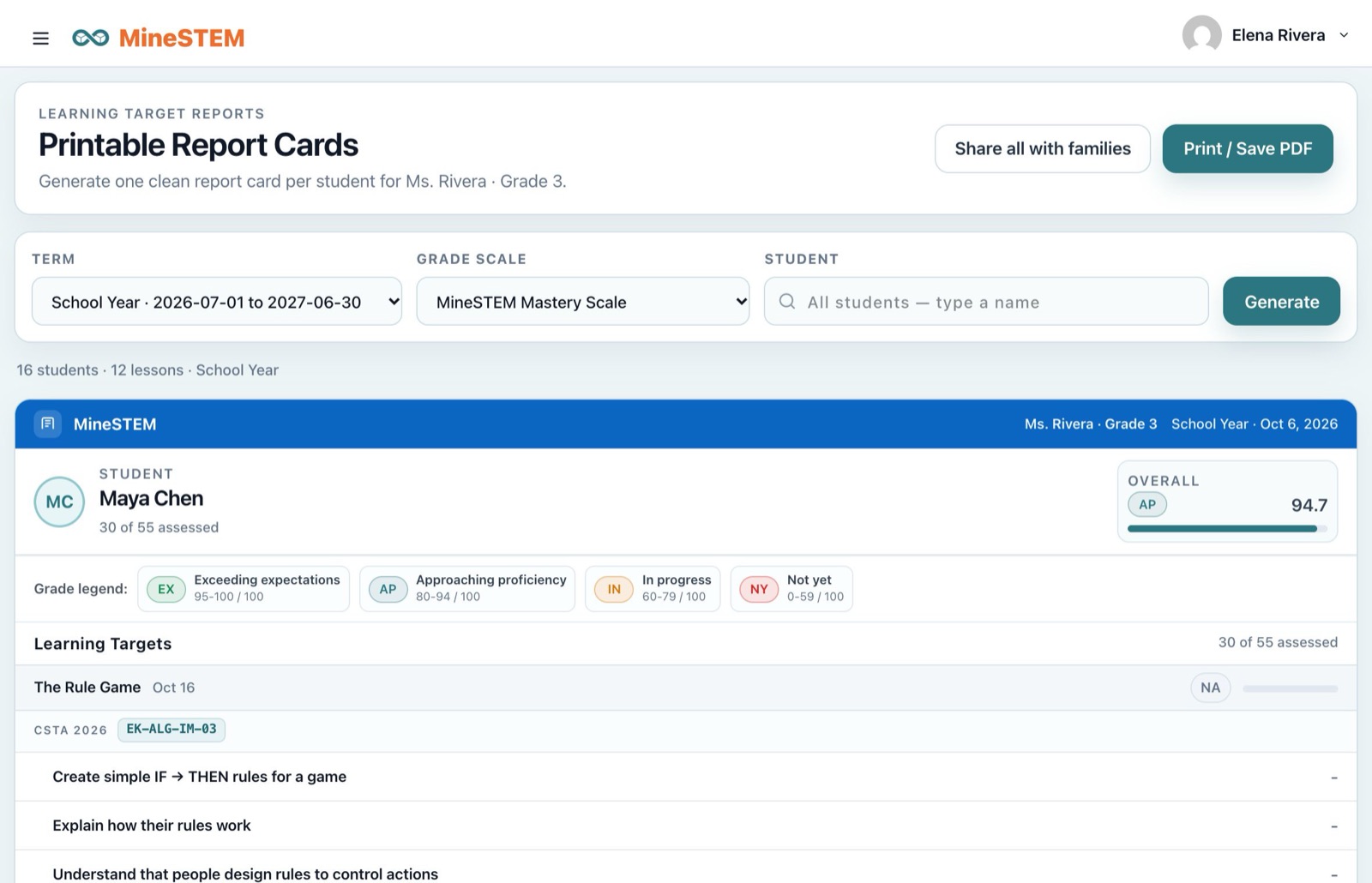
  • Report cards and familiesOne report card per child, ready to print or share in the family app, and a family newsletter with every lesson.
A gradebook built on learning targets
See every child at a glance
Report cards and families
Invest in your teachers

Ready to teach on day one, with or without a computer science background.

Every lesson is fully scripted, with timing and a materials list. Teacher and student user guides walk through the platform screen by screen, and the Help Center inside MineSTEM answers questions in the moment. When you need a person, our team replies within one business day.
  • Scripted lessonsWhat to say, what to expect, how long it takes
  • Help CenterStep-by-step answers inside the platform
  • User guidesFor teachers on laptop and phone, and for students on Chromebooks
  • A real personsupport@minestem.com · (408) 406-3728
What’s included

Print and digital, for students, teachers and families.

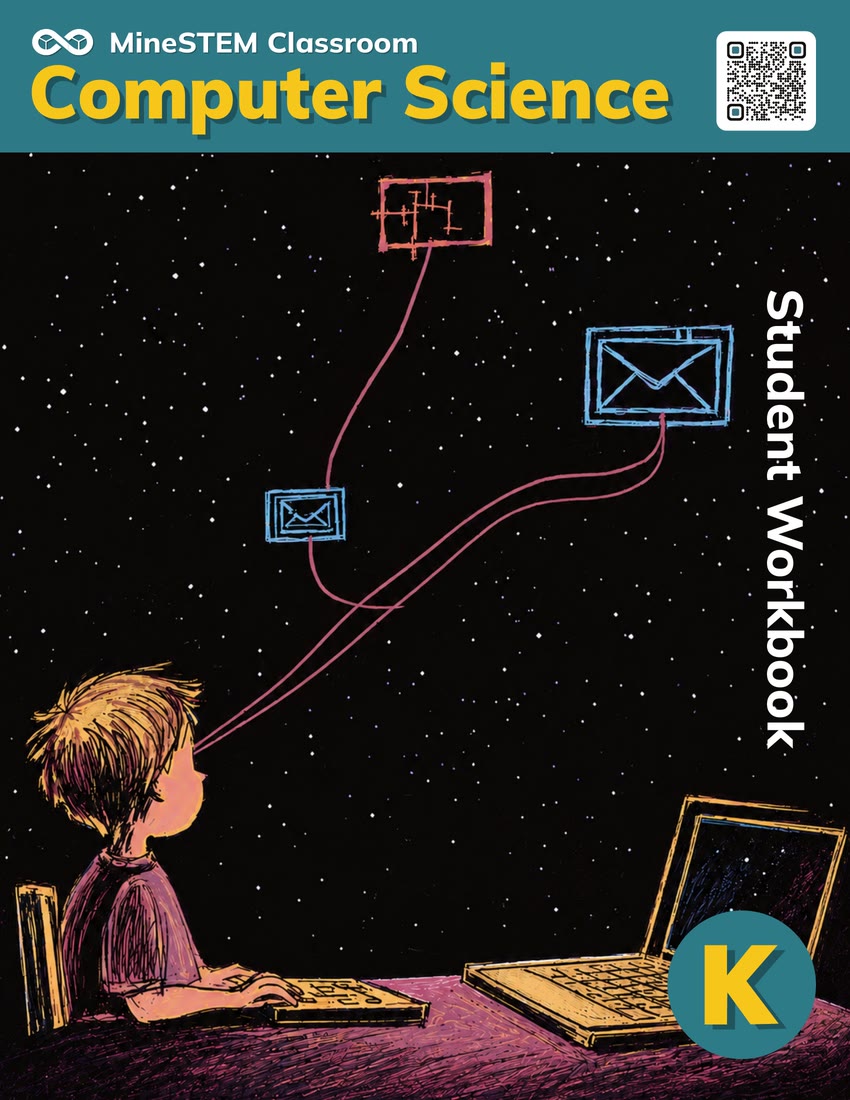
Student Workbook

  • One per grade, K–3: thirty lessons a year in six units
  • A problem set, exit ticket and homework for every lesson
  • A family newsletter with every lesson to take home

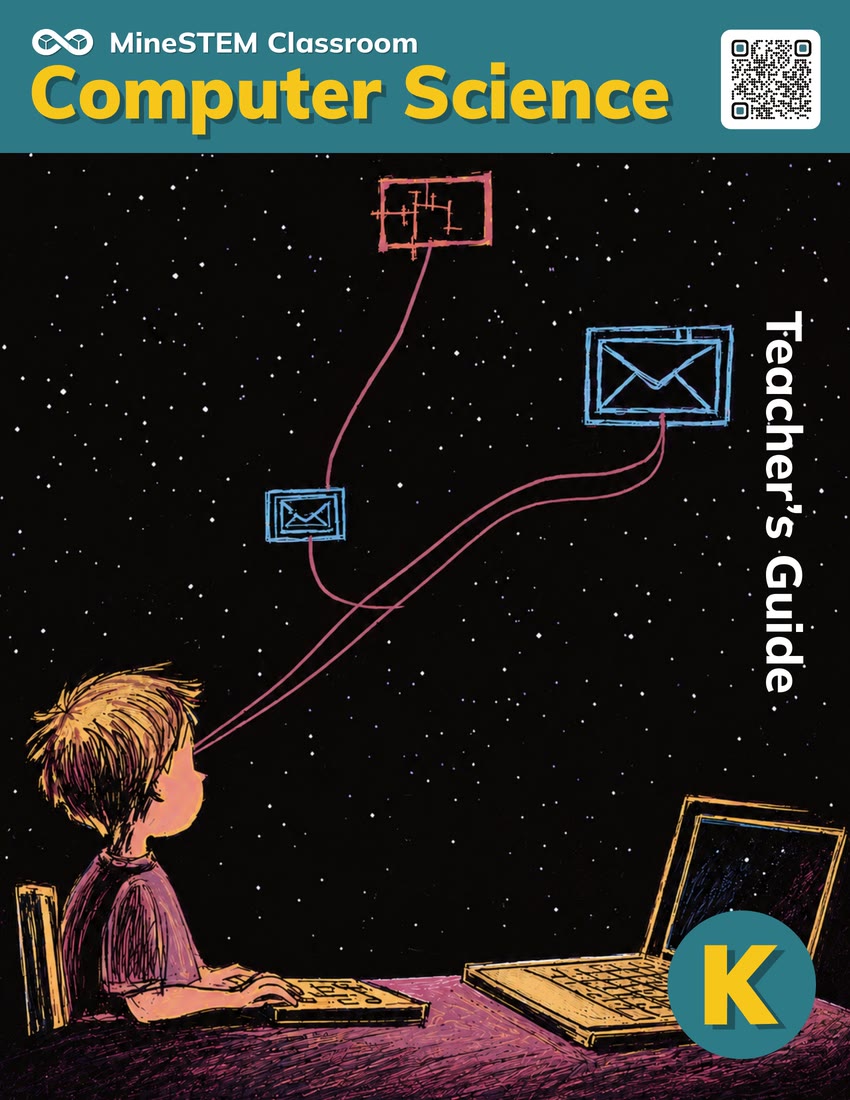
Teacher’s Guide

  • Every lesson scripted, with timing and a materials list
  • Learning objectives and the standards each lesson addresses
  • Concept Development warm-ups and two Core Activities per lesson
  • Answer keys for every student page

Student Digital Experience

  • The workbook pages on screen, on the web, iPad, iPhone, Android and Chromebook
  • Exit ticket quizzes with picture answers and read-aloud, scored automatically
  • A portfolio for photos, drawings and videos of their work
  • My Progress, points and a badge for every unit
  • Card login for the youngest; Google or Clever for older students

Teacher Digital Experience

  • Assign whole lessons or single parts to the class, a group or one child
  • Teach Calendar to plan the year
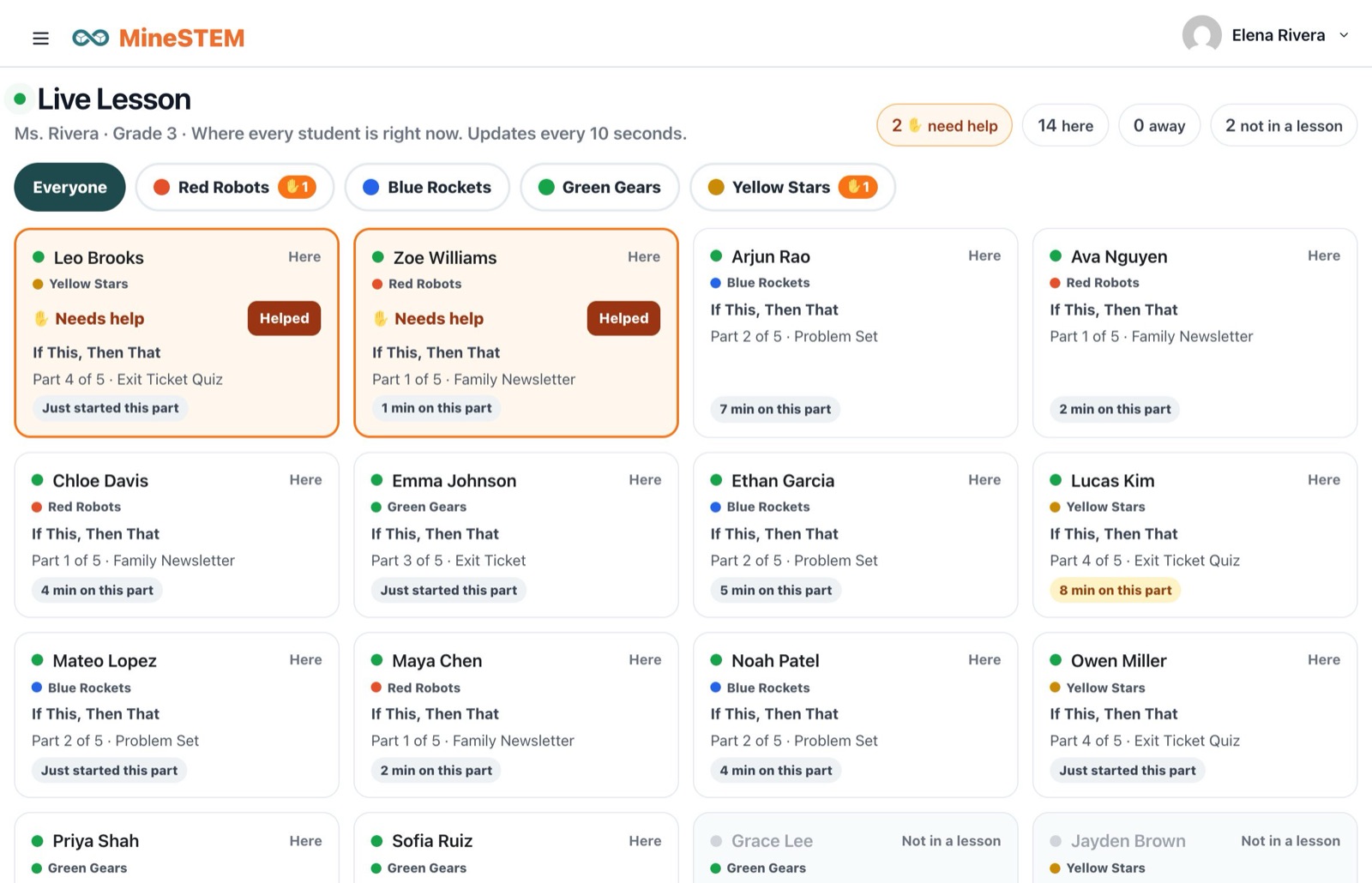
  • Live Lesson to see every child during the lesson
  • Groups and a projector board for group work
  • Learning-target gradebook, Class Progress and report cards
  • Student portfolios, rosters and sign-in cards; also on iOS and Android

Family Experience

  • A family newsletter with every lesson: what we learned and an activity to try at home
  • The MineSTEM family app: progress, portfolio and report cards
  • Private messages with the teacher
Coming soon

Personalised Instruction

  • An extension of the core program
  • Personalised online lessons at each child’s level
  • Learn more
Scope and sequence

Four grades, six units each.

Thirty lessons a year in every grade, building from following steps in Kindergarten to designing real programs in Grade 3.

Kindergarten

  1. Algorithms
  2. Decisions & Patterns
  3. Patterns & Early AI Thinking
  4. Systems & Tools
  5. Data & Decisions
  6. Safety & Society

Grade 1

  1. Decompose & Author
  2. Loops & Repetition
  3. Symbols, Events & Paper Programs
  4. Computers Inside & Out
  5. Data Detectives
  6. Safe & Kind Technology

Grade 2

  1. From Pieces to Algorithms
  2. Counted Loops & Events
  3. Conditionals & Logic
  4. How Computers Talk
  5. Data Questions & Codes
  6. Technology & Change

Grade 3

  1. Decompose & Design
  2. Variables & Memory
  3. Building Real Programs
  4. Machines, Networks & Security
  5. Junior Data Science
  6. Computing & Our World

See MineSTEM Classroom Computer Science for yourself.

Get a sample of the books and a tour of the platform.