Grades K–3 Print + Digital + Personalized Learning
Classroom Computer Science
Small discoveries. Thoughtful choices.
Ready for a world of AI and robotics.
The books
A Teacher Edition and a Student Edition for every grade.
Printed books for Kindergarten through Grade 3 — the same lessons teachers assign on the MineSTEM platform.
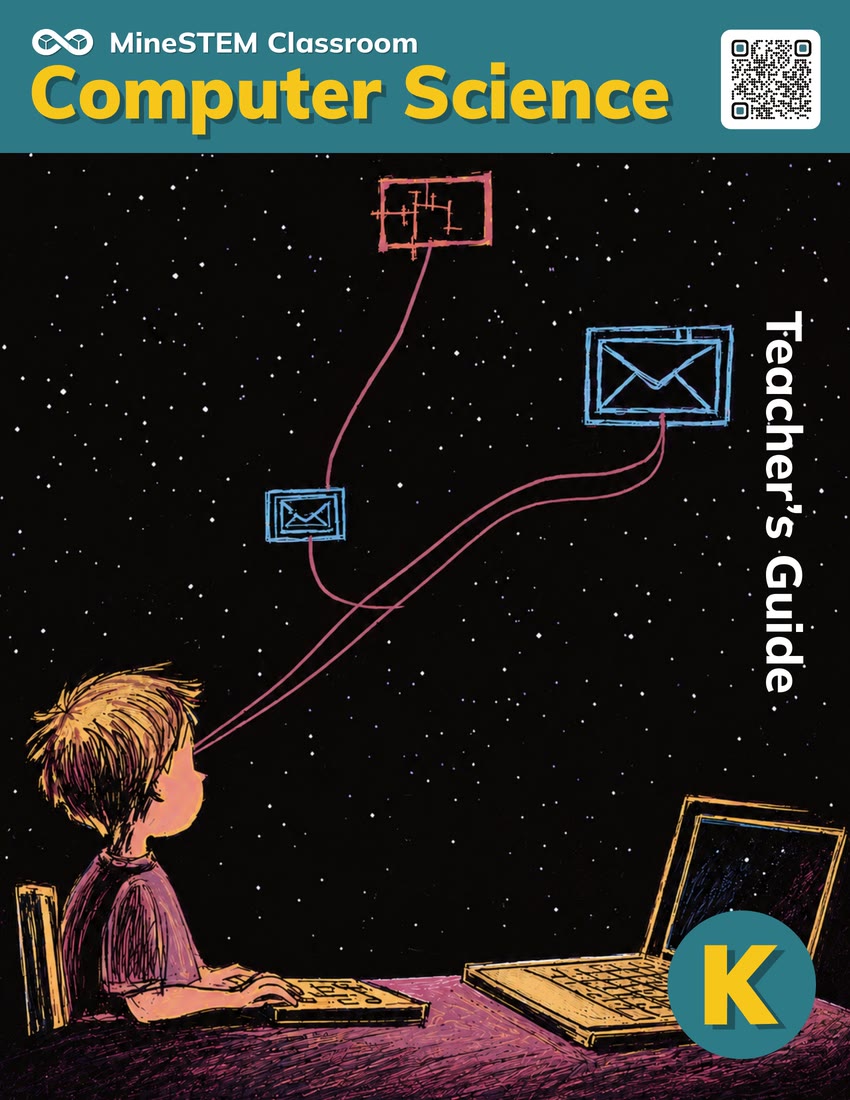
Teacher’s Guide
- Objectives, timing and materials
- Modeling scripts and discussion prompts
- Two core activities in every lesson
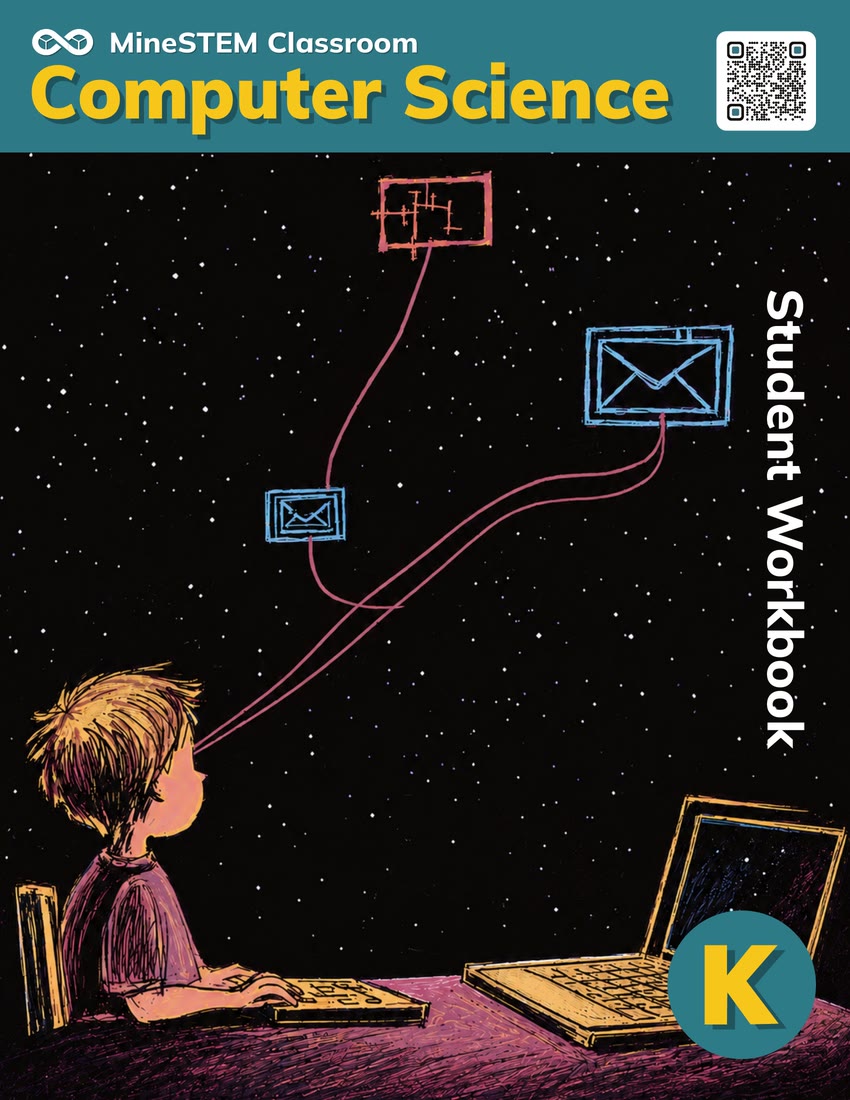
Student Workbook
- Problem sets and exit tickets
- Homework and a family newsletter
- Printable picture cards
Standards alignment
Aligned with CSTA Computer Science Standards
Every MineSTEM lesson maps to the CSTA Foundational Standards, the 2026 PK–12 standards from the Computer Science Teachers Association. Kindergarten covers the combined PK–K band, and Grades 1, 2 and 3 each cover their own grade-level expectations — all of them.
Why it matters
Computing shapes everyday life. Students of every background and every ambition need strong computer science to take part in society as informed citizens and to create with confidence.
“Who can see the information this app keeps about me — and could I build an app of my own?”
“How did this ad know where I have been? Is something following my location?”
“My friend can’t see the screen. How could this website be designed to work for everyone?”
“What rules should AI follow, and who gets to decide?”
Source: Computer Science Teachers Association (CSTA) Foundational Standards, summarised by MineSTEM. Read the standards at csteachers.org
See the program
One lesson, start to finish.
Our values / The purpose behind the program
Prepare children. Empower teachers.
MineSTEM connects books, assessment and personalized instruction to help teachers prepare children for a world of AI and robotics — and to consider technology’s benefits and its effects on people and society.
- Curiosity with purposeExplore how technology can solve problems and improve lives.
- Responsibility with empathyAsk who benefits, who is affected and what is fair and safe.
- Teachers at the centerEquip teachers to guide learning, discussion and thoughtful choices.
Track and support students’ growth
One idea. Print and online. Evidence for the next step.
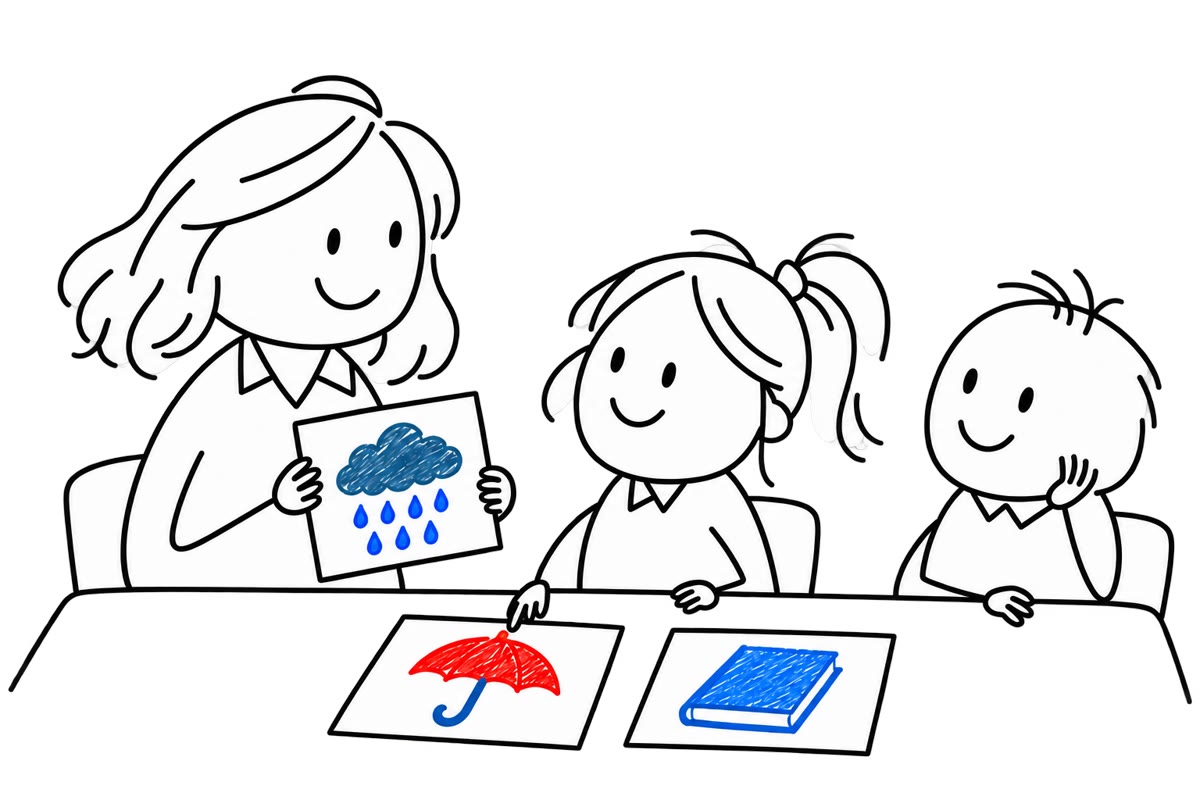
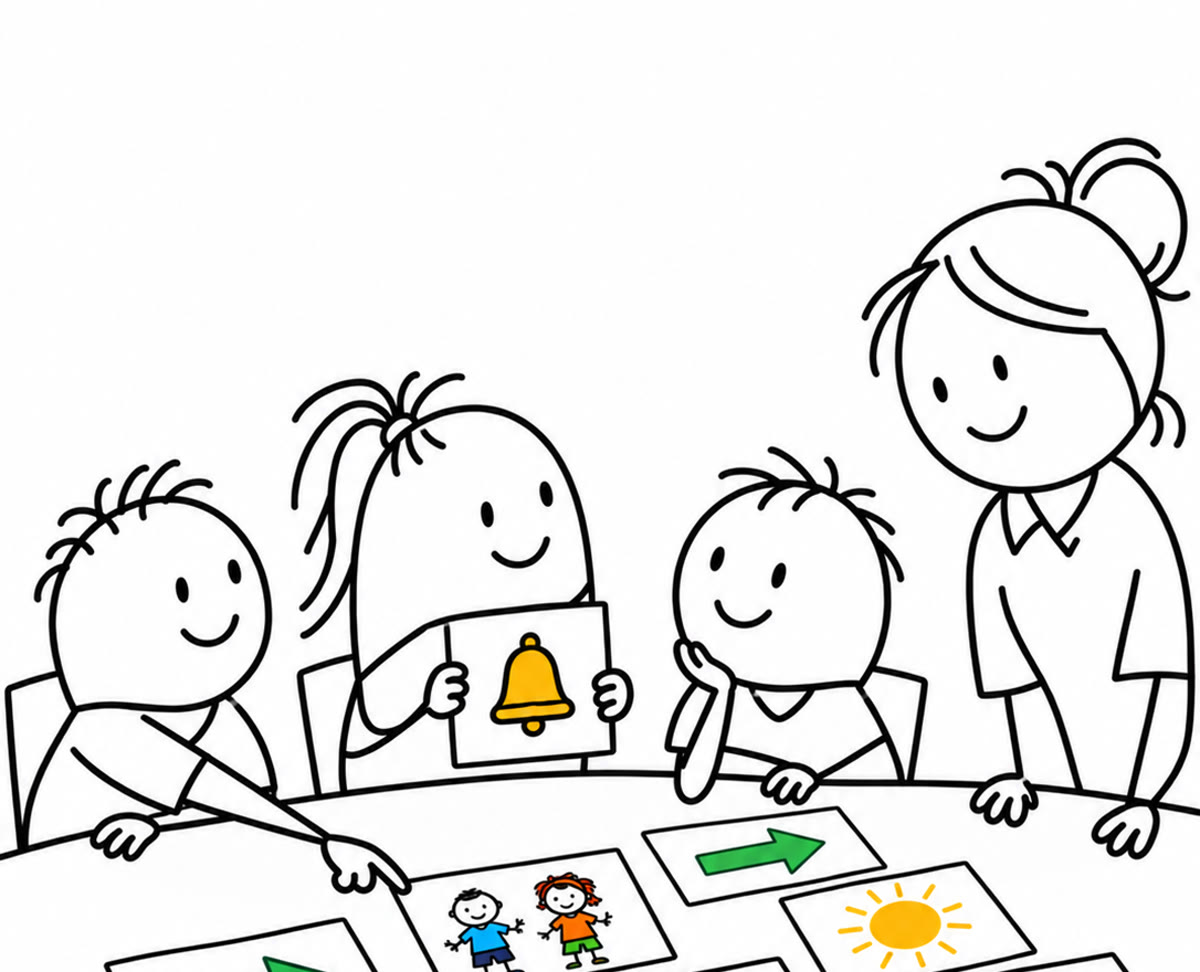
Picture answers and read-aloud questions let children show what they know. Digital exit tickets score themselves against the lesson’s learning targets.
- DiagnosticFinds each child’s starting point.
- Exit ticketsScored automatically by learning target.
- Personalized pathHints and extra practice; mastery moves ahead.
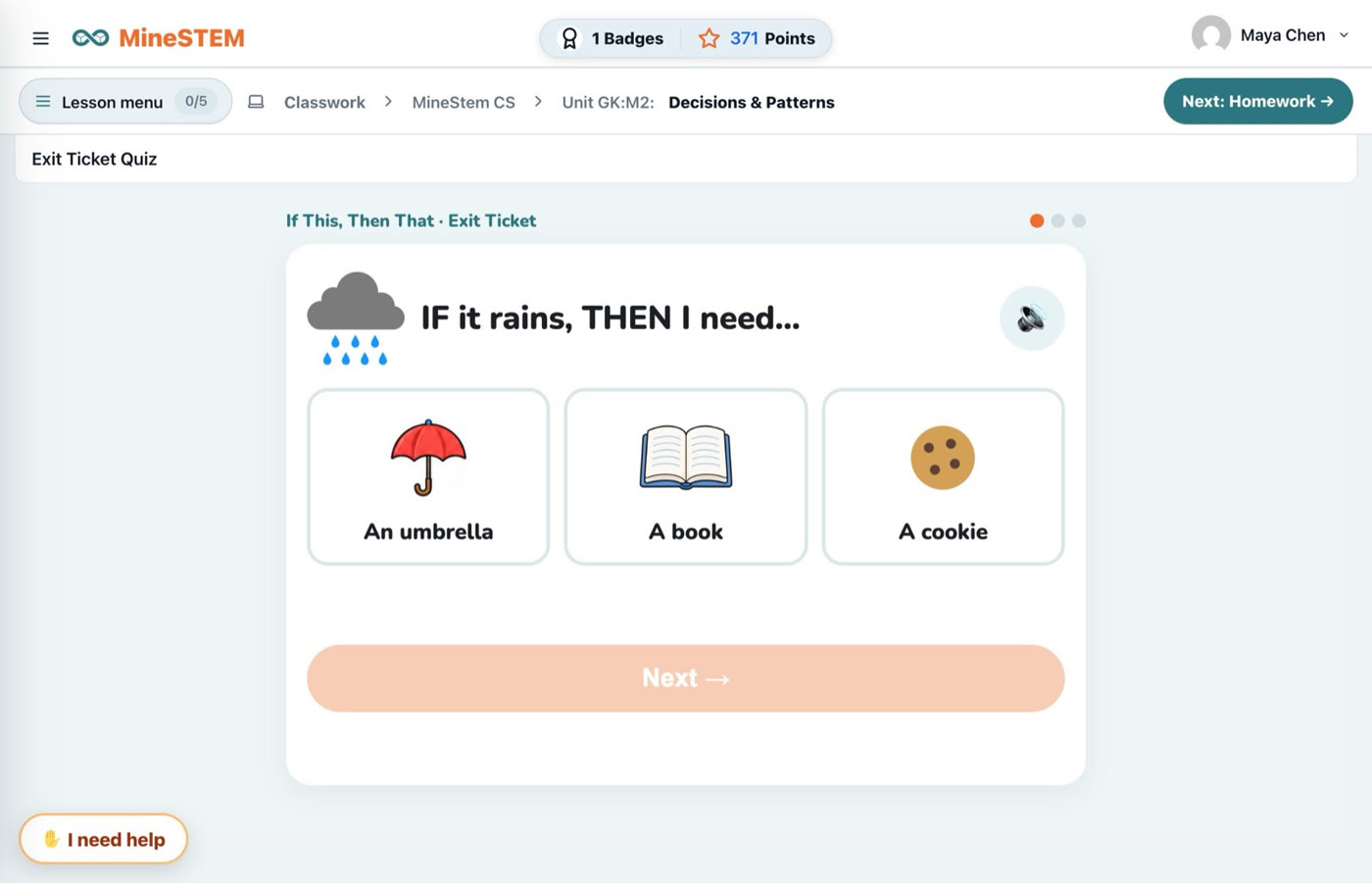
Experience MineSTEM
Build understanding.
Inspire responsible choices.